I Moved My Home Into Roblox
The house from my website is now a Roblox place. Moving it meant fixing floors, ceilings, and collisions. Then I spent several rounds getting a small Kirby plush to look right.
I recently put a model of my home into Roblox. I’d already built a version you can walk through on this website, so I used that as the starting point and had Codex help with the move.
A look around the house in Roblox. Open the experience to walk around yourself.
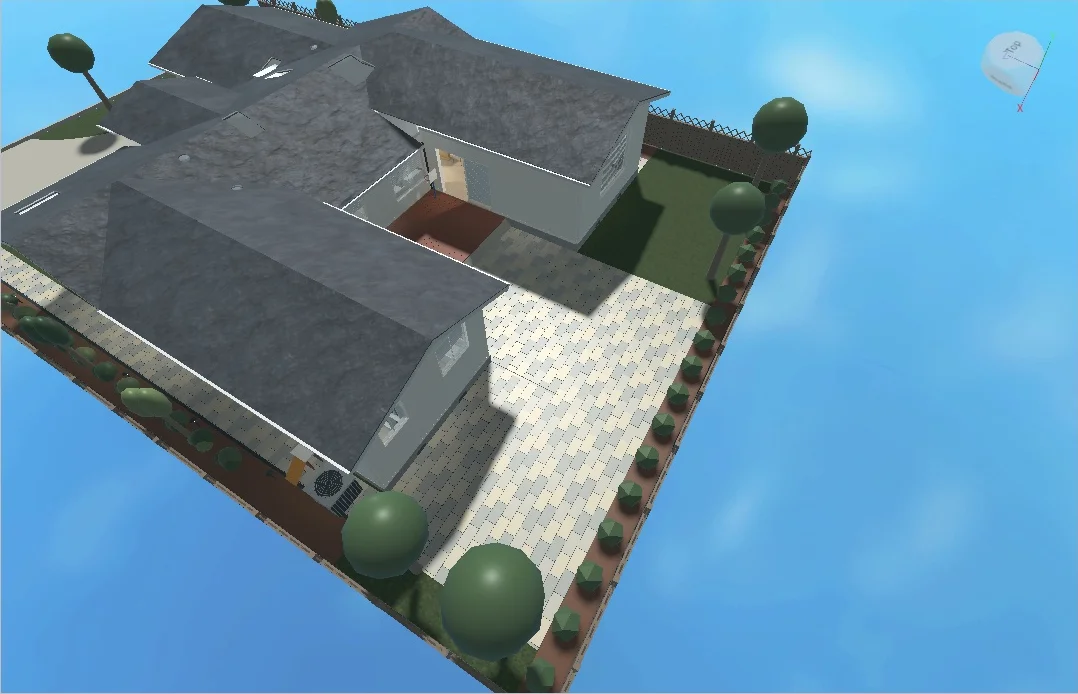
The house and courtyard in Roblox Studio.
The website model was based on our house drawings, with furniture added from reference photos. That gave us most of the geometry. Materials and lighting needed adjusting in Roblox, and the walls and floors needed collision surfaces so a character could walk around inside.
There were a few things to fix along the way. At one point, the visible house and its collision surfaces had drifted apart. The roof also needed repairs, while keeping the ceilings inside intact. I checked the rooms as we went and kept asking for changes to the furniture and finishes.
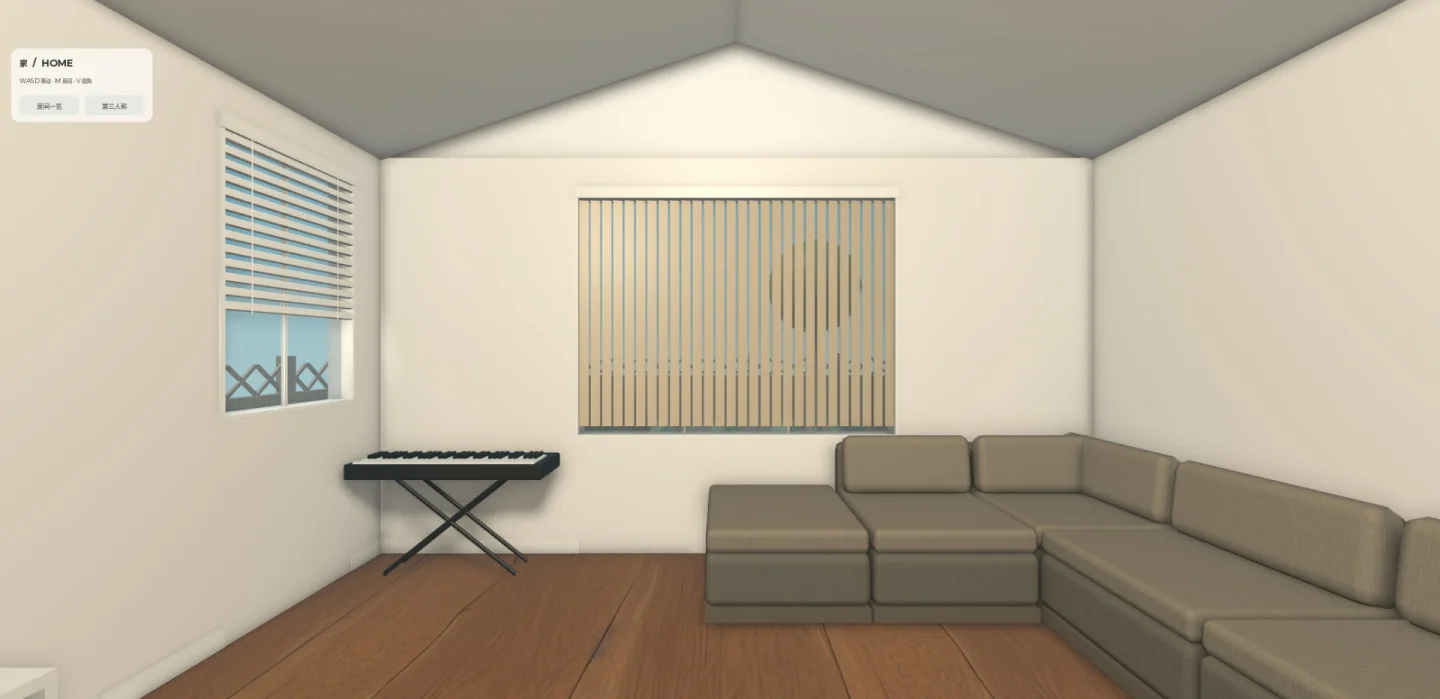
The sofa and keyboard in an earlier gameplay capture.
You can walk between rooms, sit on the seats, and switch between first- and third-person views. On desktop, use WASD to move, right-drag to look around, scroll to zoom, and E to interact with furniture. There’s also a touch interface for phones.
One thing I kept sending back was the Kirby plush in the children’s room. The early versions didn’t look enough like the actual toy. We used reference pictures to adjust the eyes, flatten the arms and red feet, and add a short-pile fabric texture. I also asked for it to be smaller and for there to be only one, sitting on the bed.
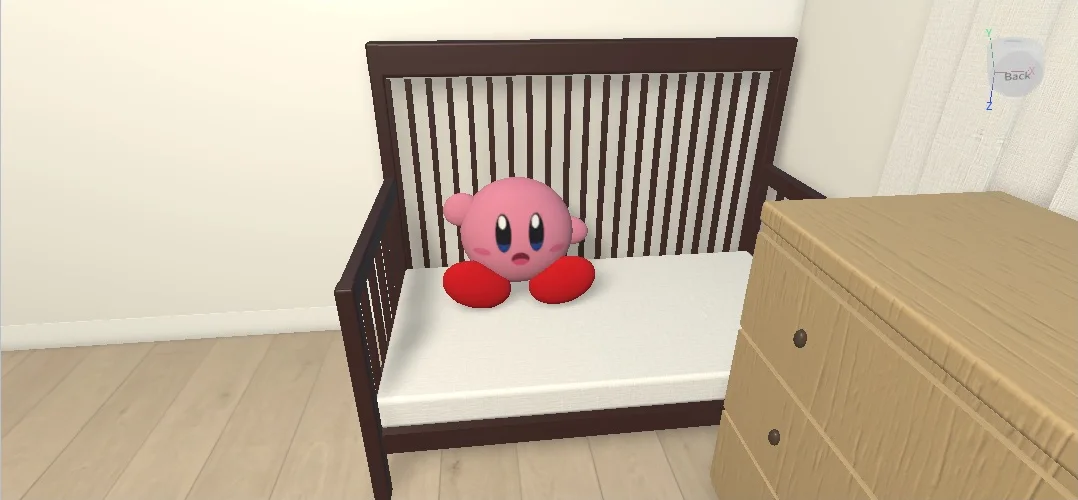
The revised Kirby on the bed, beside the drawer cabinet. Cropped from Roblox Studio.